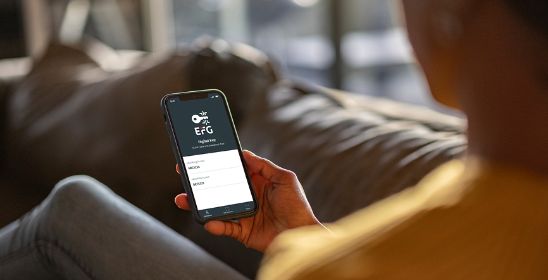
With EFG Digital Key
Step-by-step guide on setting up EFG Digital Key, and then logging into the digital channel.
Learn moreTips to help you get online
To log into the digital channel, you need to first set up EFG Digital Key – our authentication app. If you have not yet set this up, please follow our step-by-step guide on getting started.
If you have forgotten your username, please contact eBanking support at +41 800 334 334 (charges may apply).
Future connections
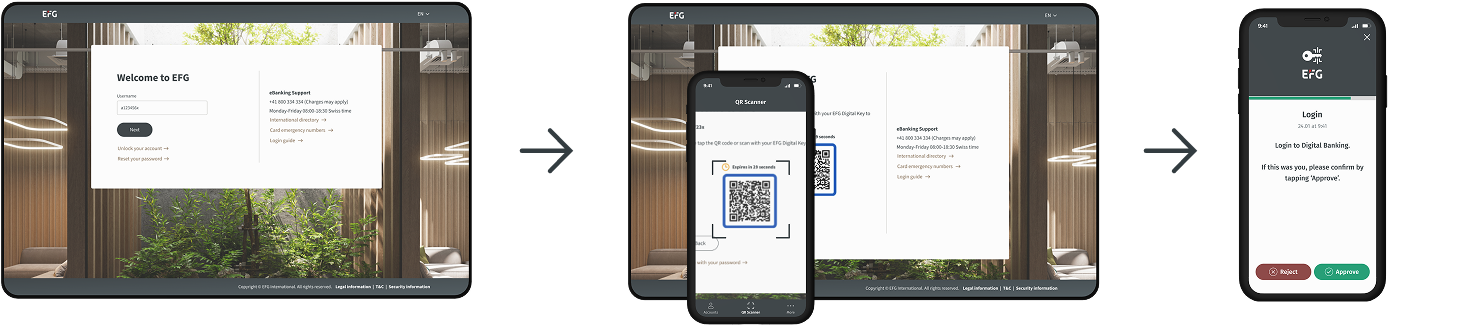
Simply enter your Username and scan the QR code using the EFG Digital Key app and then Approve the login request.
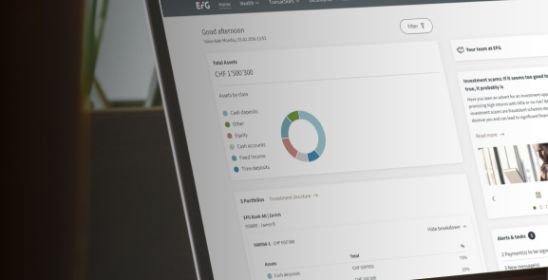
Our online and mobile platforms provide you with round-the-clock access to your finances.
Personalise your content
Let us know where you’re located so we can tailor our information to make your experience more relevant.
Your regional contact: